
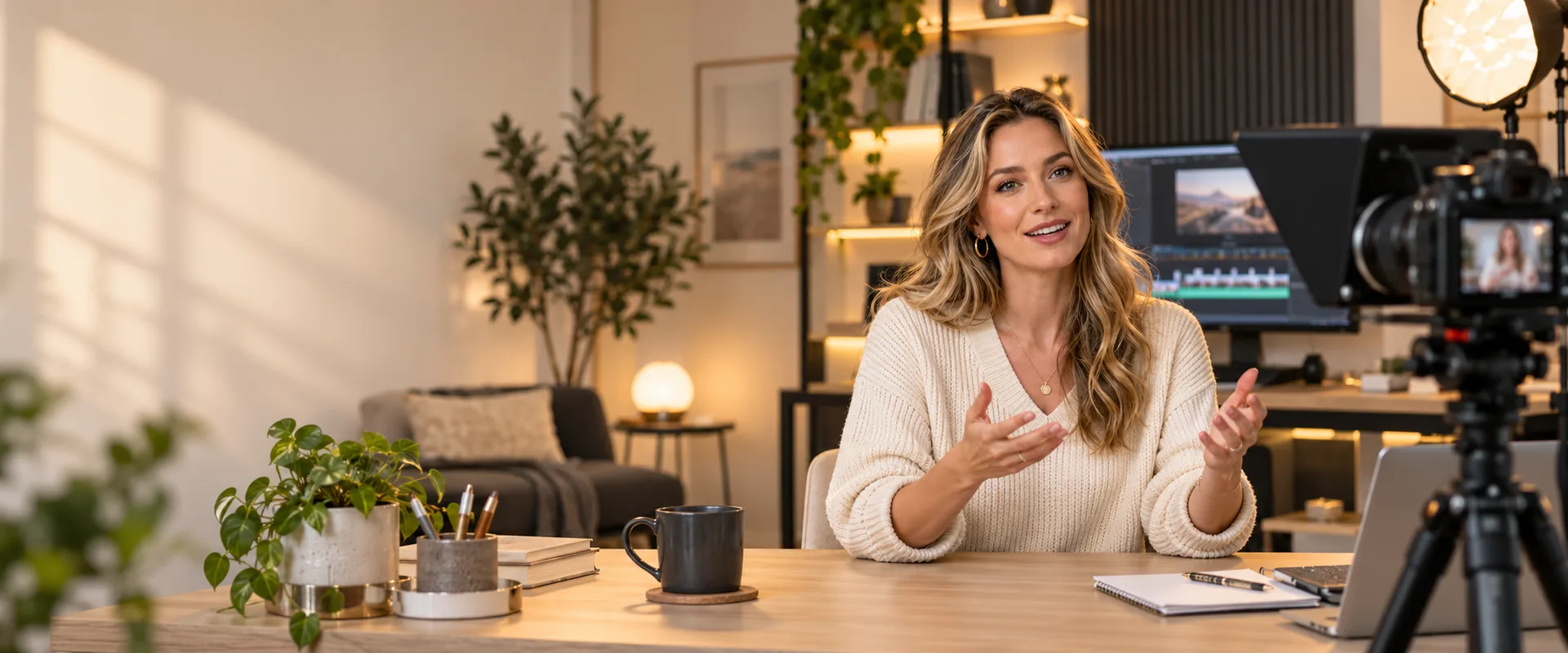
Record or upload
Record fresh, or upload what you already have.
Approve the edits
Your AI Director makes polished clips. Check them and fine-tune with the transcript.
Post everywhere
Make Shorts and schedule to all your platforms in one click.
AUTOMATE GROWTH
What happens after you post?
Turn your content into conversations, deliver what you promised, and grow your audience by itself.

Instagram Reel published
Someone comments GUIDE

Davnai sends the guide after a tap
New contact saved
Reply with your guide
Delete a sentence, and the video follows
- An edit plan that finds retakes, repeats and long pauses
- Delete a sentence in the transcript and the video follows
- A real timeline editor when you want it: split, trim, pictures and clips
- Backgrounds, framing that follows you, and every size for every platform
The best moments, found for you
- Shorts cut from your best moments, each with an opener and end card
- Animated captions in 20 languages, in your style
- Motion titles, key points and counters
Make it all by asking
Connect Davnai to Claude or ChatGPT, or use Davnai Agent in the app. Write scripts, plan videos with the AI Director, make Shorts and pictures, and schedule posts from the chat.

Claude

ChatGPT
You approve before anything goes live. The same plan limits as the app.
Every video looks like yours
- Brand Kit: your logo, colours, fonts and style
- Intro, outro, music and your voiceover
- Image Studio for thumbnails, posts and posters
Written for each platform, posted on time
- YouTube, Instagram, TikTok, Facebook, LinkedIn, Threads, Bluesky and Pinterest
- Written in your voice for each platform, with a calendar
- Posts wait for your OK, or go out by themselves at the best time
- Switch on a comment automation as you schedule the post
Questions
Do I need editing skills?
No. The AI Director plans the edit and you approve it; you can change any word or cut, or open the timeline editor if you want more. More
Can I use videos I already have?
Yes. Upload from your computer or phone, or add straight from Google Drive or Dropbox. More
Where can I post?
YouTube, Instagram, TikTok, Facebook, LinkedIn, Threads, Bluesky and Pinterest, each with its own sign-in. Davnai never sees your password. More
Can I do it from Claude or ChatGPT?
Yes. Connect Davnai once, then ask for scripts, videos, Shorts and posts in the chat. Nothing is posted or made until you approve it. More
Your next video, done by tonight
Start freeFree, no card needed.