
AI captions and subtitles
Captions people actually read.
Every word you say, timed to your voice, in a style that fits your channel. Translate into 51 languages and download subtitle files and transcripts too.
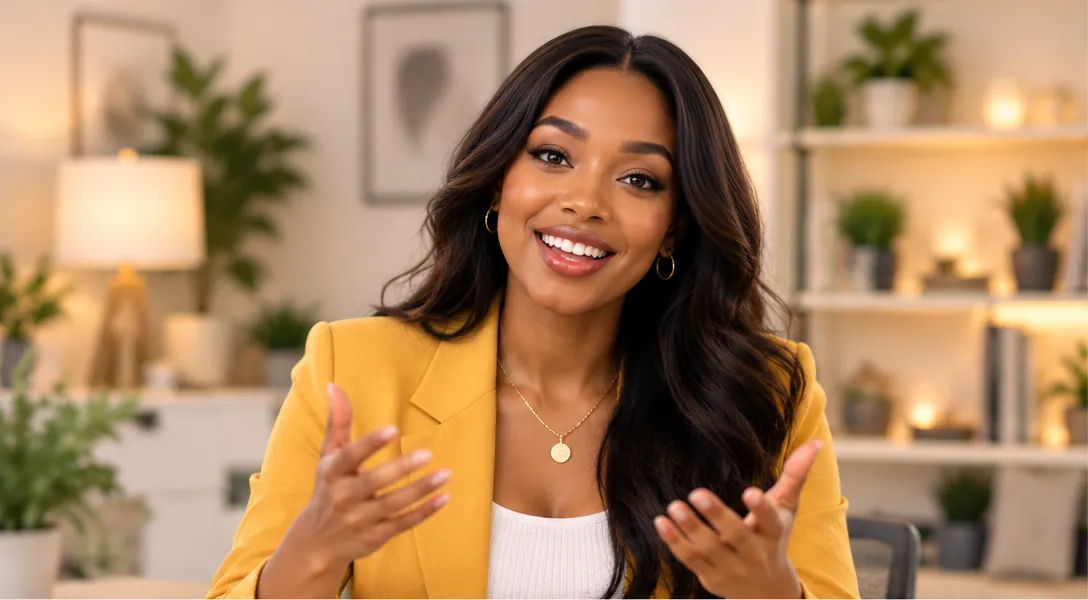
01 · Animated captions
Animated captions in your style
Choose from 24 caption styles and more than 60 fonts, or use your own from Brand Kit. Words light up as you say them, key words grow, and captions move aside when a graphic is on screen.
- Open Edit & Tools → Captions, or keep Captions on in AI Edit.
- Pick a style and where the captions sit.
- Fix any word, then make the video.
02 · 51 languages
Subtitles in 51 languages
Show captions in another language than the one you spoke, so one video reaches more people. Davnai translates the words and keeps them timed to your voice.
- In Captions, choose a Caption language.
- Check the translated words in the preview.
- Make the video with the translated captions.
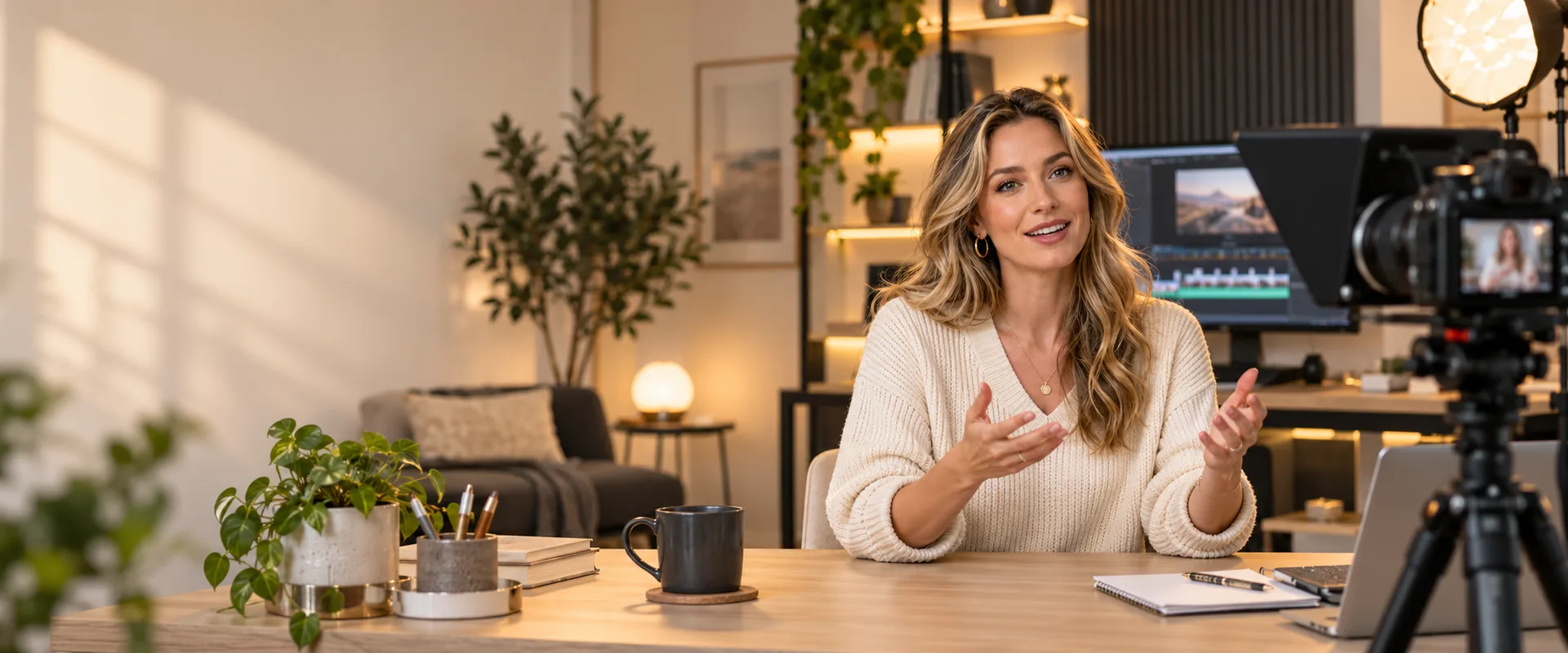 Spoken in English
03 · Video to text
Video to text: transcripts and subtitle files
Every recording is written down word by word. Copy the transcript, download it as text, or get SRT and VTT subtitle files for YouTube and other players.
- Open Edit & Tools → Transcript on your video.
- Read or search the words, and fix any that are wrong.
- Download as Text (.txt), Subtitles (.srt) or Web subtitles (.vtt).
So the first thing I tell everyone is: start with the result. Show people where they'll end up, then walk them back to the beginning.
Questions
More in the help centre.
How do I fix a wrong word?
In the full editor, pause with Captions open and click the word on the video, then type the right one. Your subtitle downloads use the fixed word too.
Can I use my own font?
Yes, on paid plans. Upload it in Brand Kit and choose it from Your fonts in the editor.
Can I get captions without making a new video?
Yes. Download the transcript or SRT and VTT subtitle files and upload them to YouTube or your player.
Do captions come with AI Edit?
Yes. AI Edit adds captions in the style you pick in the brief; you can change the style or turn them off afterwards.
Goes well with
Try it on your next video.
Start free. Your originals always stay as they are.