
Record yourself
Say it once. Look like a pro.
Read your script from a teleprompter by the lens, record in takes and send the best ones straight into AI Edit. Davnai can write the script for you.
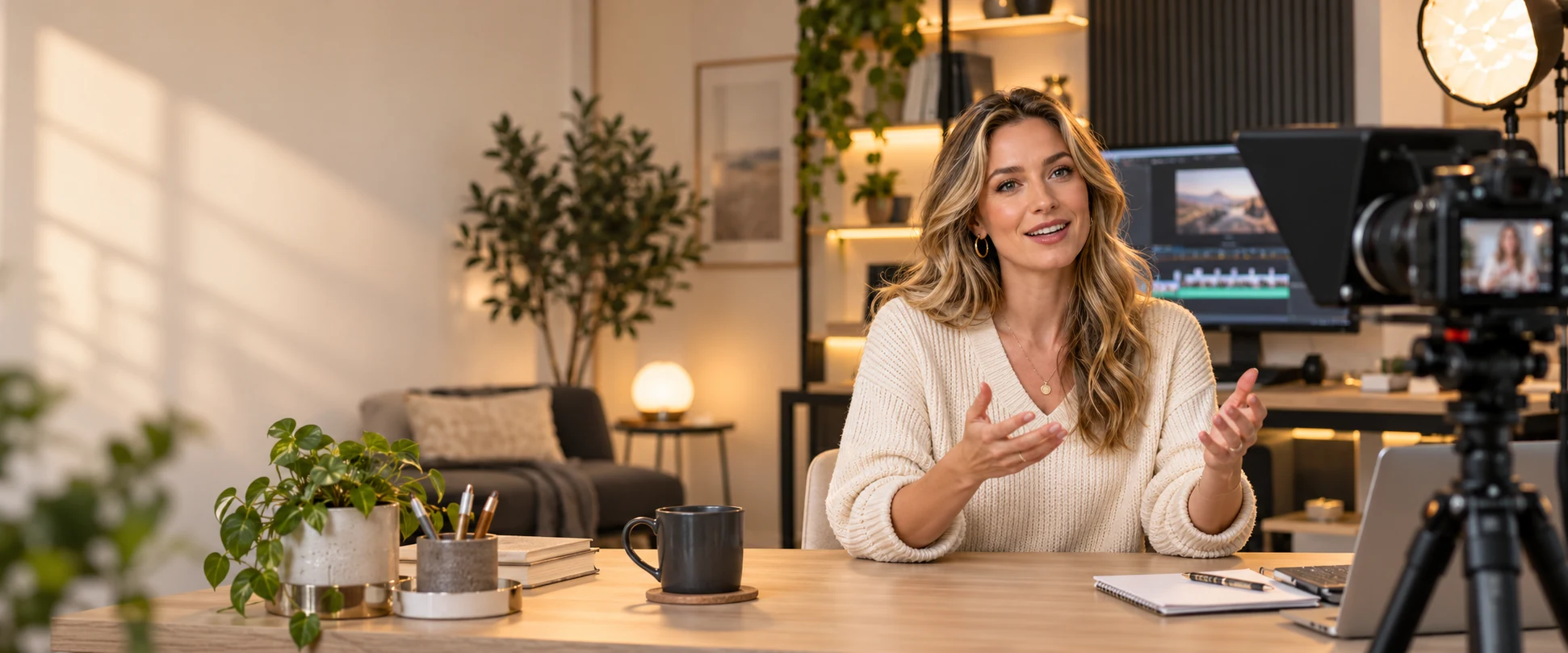 Follow my voice
01 · Teleprompter
A teleprompter by the lens
Your words scroll right under the camera, at your pace and size. Mirror it for a glass prompter, or let it follow your voice so it waits when you pause.
- Open Record and choose your script.
- Set the speed and size, or turn on Follow my voice.
- Press Enter studio, then Record, and read naturally.
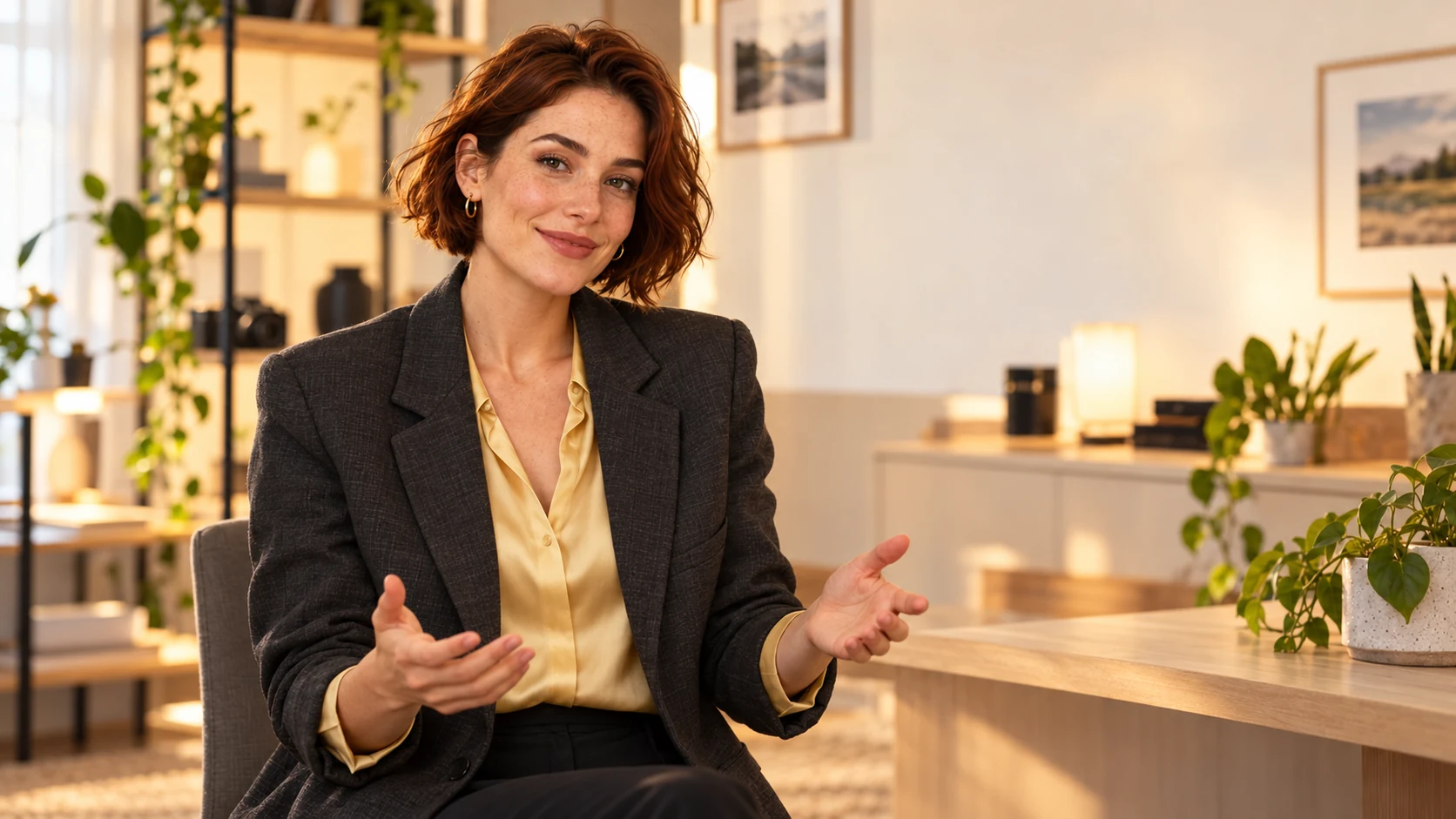 Follow my voice
02 · Script writer
Davnai writes your script
Paste your own script, let Davnai write one from your idea, or send one from Claude, ChatGPT or Davnai Agent straight to the teleprompter.
- In Record, choose Write with Davnai, paste or manage scripts.
- Choose Davnai writes it and say what the video is about, or paste your own.
- Edit the script, then use it in the teleprompter.
Hook: You're probably making mistake number two right now.
1. Opening the oven too early.
2. Measuring flour with a cup.
3. Skipping the rest.
Close: Save this for your next bake.
03 · Screen recording
Screen and camera recording
Share your screen with your camera in a bubble, side by side or camera only. Check your light and sound first, record in takes, and send them to Davnai when you're happy.
- In Record, pick a layout: camera, screen with camera, or side by side.
- Run the light and sound check.
- Record your takes and choose Make it post-ready.
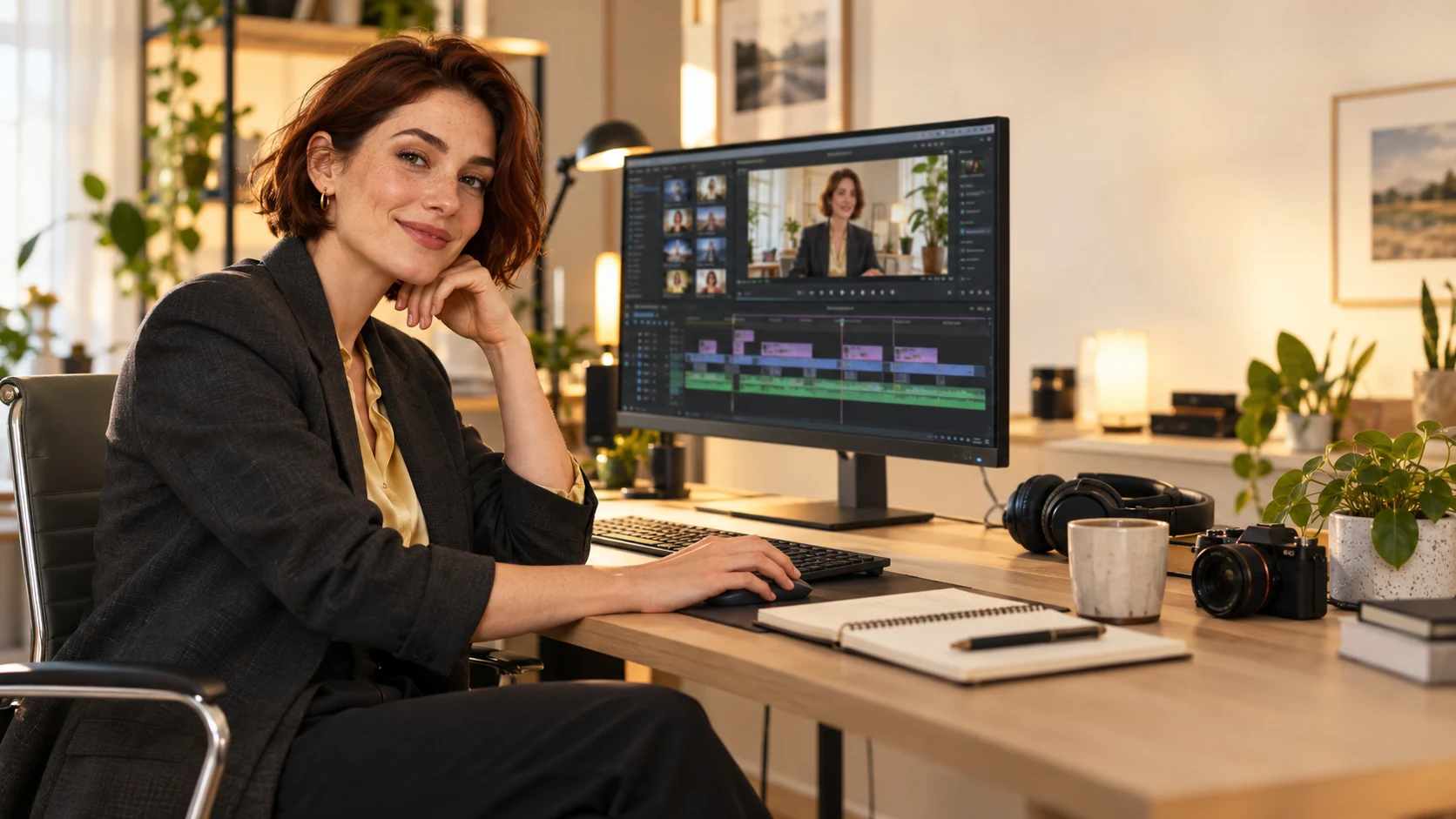 Screen with camera
Questions
More in the help centre.
Do I need to install anything?
No. Record works in your browser on a computer or phone.
Are my takes uploaded while I record?
Takes are kept on your device until you send them, so nothing is uploaded until you choose.
What quality can I record in?
720p or 1080p, and 4K on plans with 4K, when your camera supports it. Screen recordings go up to 1080p.
What happens after I record?
Send one take and AI Edit starts on it, join several takes into one video, or save them to your Library to edit later.
Goes well with
Try it on your next video.
Start free. Your originals always stay as they are.