
Shorts from long videos
One video. A week of Shorts.
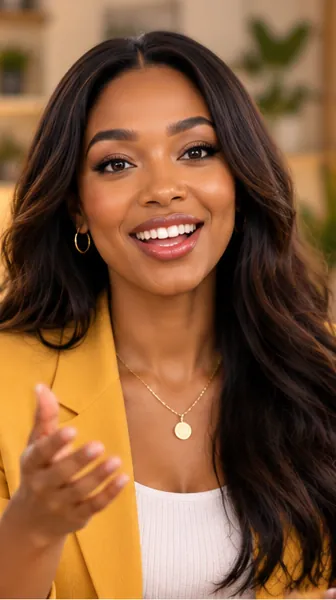
Davnai finds the moments worth sharing and edits each one like its own video: tall, following the speaker, with captions and a strong opening.
 0:42
01 · Best moments
Shorts from your best moments
Davnai reads your whole recording and suggests the moments that stand on their own. Keep the ones you like, or add your own moments, and each Short is edited like a full video.
- Open your video and choose Make Shorts, or pick Shorts in AI Edit and set How many clips?.
- Untick any moment you don't want, or add your own with Add a part.
- Pick a Style for all of them, watch them and press Make.
0:4202 · Follow the speaker
Framing that follows the speaker
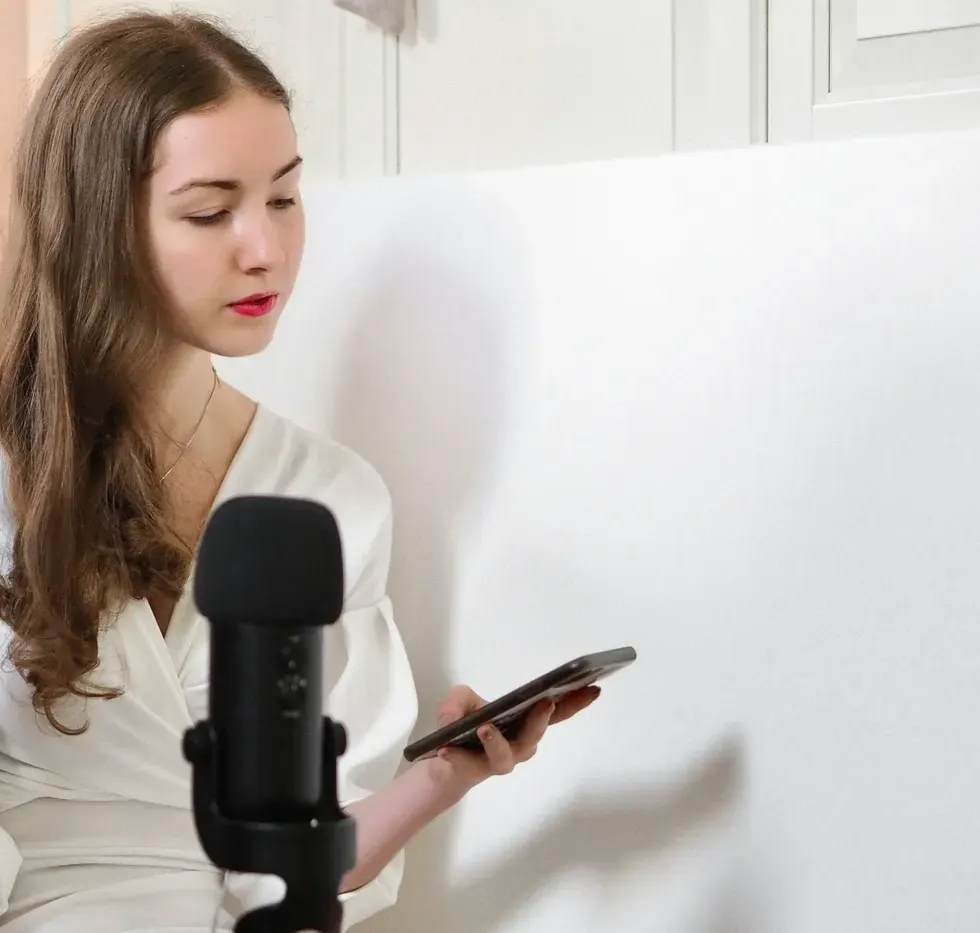
A wide video turned tall usually cuts people off. Davnai keeps the speaker in frame as they move, handles two people talking, and puts a screen recording on top with you underneath.
- In Make Shorts → Style → Framing, or in Resize, keep Follow the speaker.
- Davnai finds the face in every part.
- Check the framing in the preview before you make it.
 Push in on key lines
03 · Split into parts
Split a long video into parts
Turn a long video into Part 1, Part 2 and more, split between sentences so no part stops mid-word. Each part gets its label and can be posted one after another.
- Open Edit & Tools → Split, or Split into parts on a recording.
- Choose how many parts, or how long each should be.
- Make them, then post each part when you like.
One long video
Four parts, split between sentences
Questions
More in the help centre.
How many Shorts can I get from one video?
Choose a number, or let Davnai decide. A short video may have fewer strong moments; then you get fewer rather than weak clips. Find more moments adds more later.
Can I choose the moment myself?
Yes. Pick any part of your video and Davnai makes it into a Short.
Do Shorts get captions?
Yes, in the style you pick, with follow the speaker and auto-zoom.
Can I post them straight away?
Yes. Post or schedule each Short to your connected accounts, one after another.
Goes well with
Try it on your next video.
Start free. Your originals always stay as they are.